Recent industry trends
Mobile holiday shopping: include the product page in your barware buying brief
Treat accurate mobile selling information as part of a sourced product, with a clear link to the configuration being ordered.
Manchen editorial team · Updated
The short answer
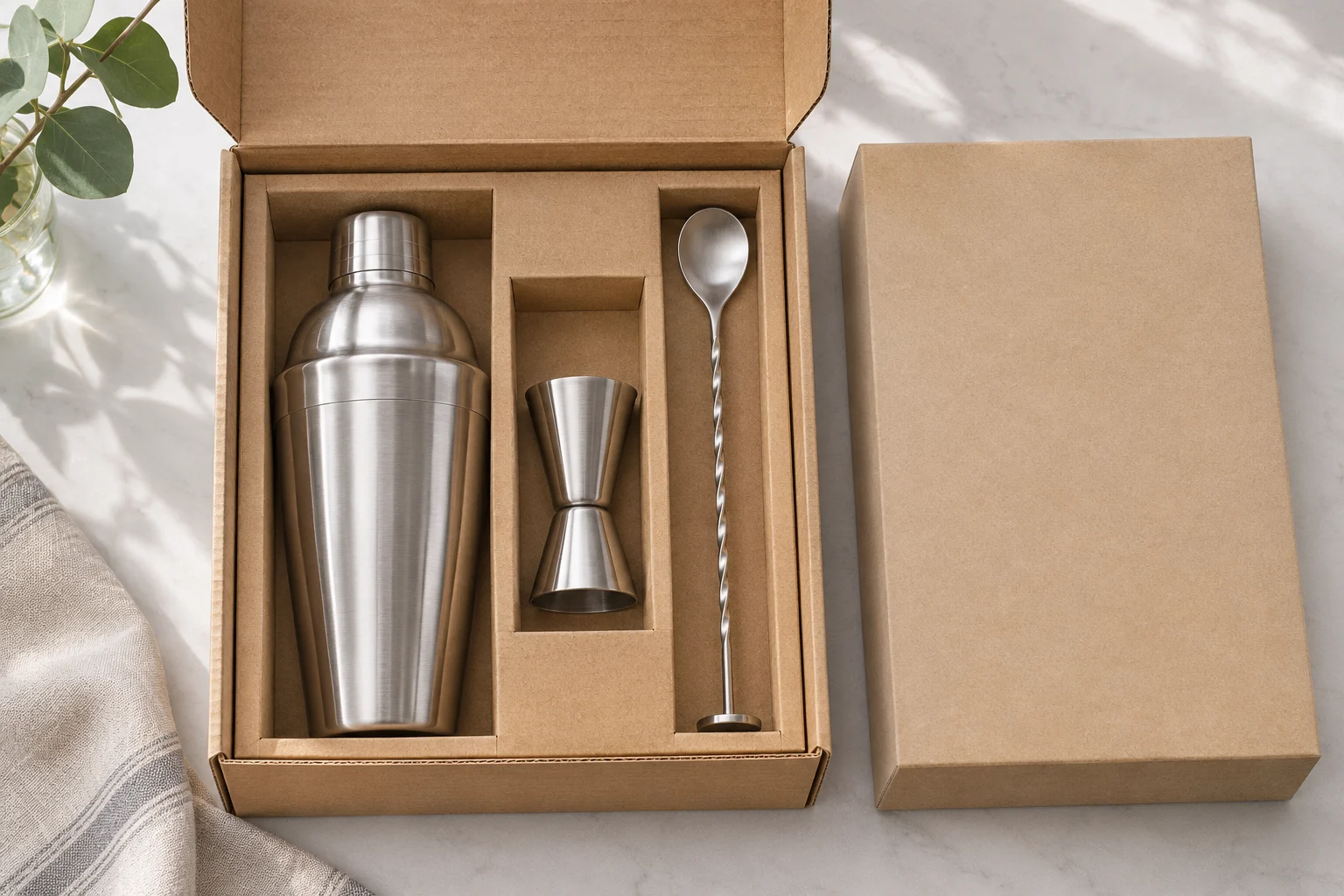
Request the information a shopper needs to distinguish the set: actual inclusions, vessel format, relevant capacities, presentation and care limits. Review it on a phone using the approved configuration. The most useful output is a compact merchandising brief that remains accurate when photography, copy or a supplier reference changes.
Procure information along with the tools
Adobe's September 28 forecast expects mobile devices to account for 57.4% of U.S. online spending during the 2026 holiday season. That is a forecast across retail, not a measured barware result. It nevertheless makes a familiar sourcing gap visible: a buyer may have enough detail to place an order while the retailer still lacks clear material for a small screen.
NRF's October holiday research also shows consumers comparing value and merchandise quality. Help them assess the actual offer. Add a merchandising-information requirement to the buying brief before photography and packaging are finalized. This gives the supplier and retailer time to resolve missing details while the configuration is still being reviewed.
Create a one-screen comparison core
Identify the few differences that determine the choice between shortlisted sets. These might include the shaker format, included strainer, measuring units and whether a stand is included. Write those differences as explicit fields rather than expecting shoppers to count small objects in a photograph. Keep the names consistent with the component list used for ordering.
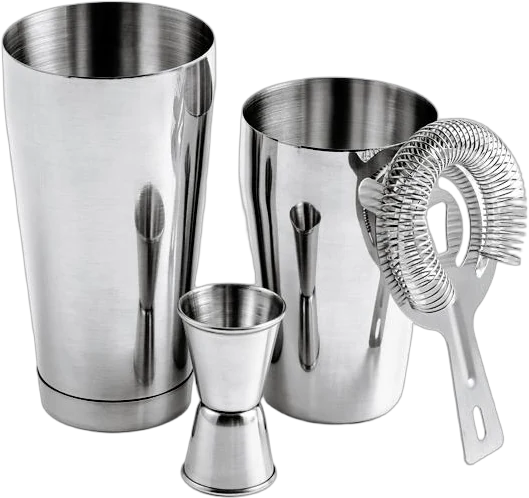
For a hypothetical pair of silver-tone sets, the first visible distinction could be the mixing workflow rather than colour or piece count. Test whether a reader can explain it without opening several images. If not, revise the information hierarchy. This is a content requirement a buyer can request, even when another team controls the website layout.
Specify images by the question they answer
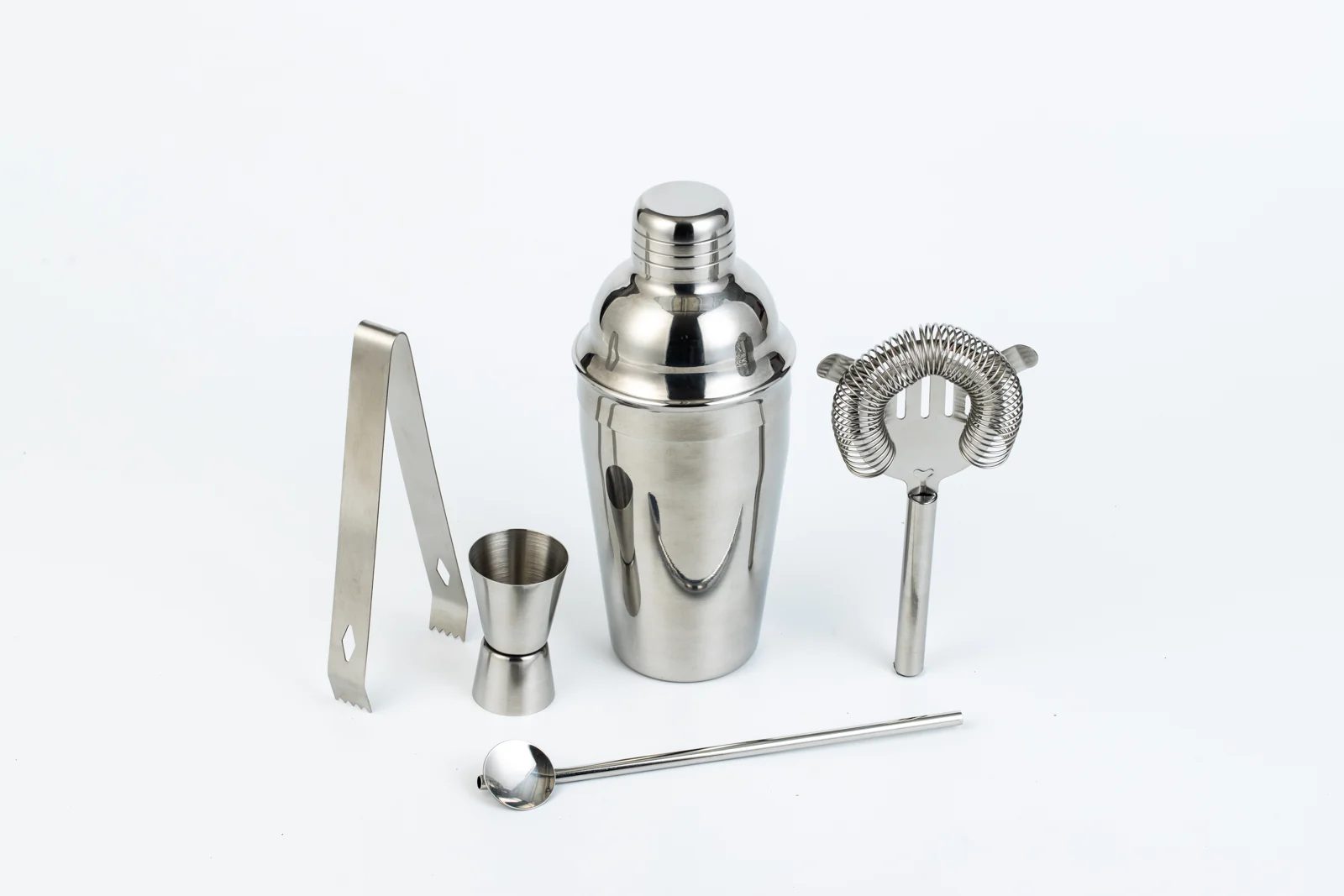
Request a clear view of the complete supplied configuration, a component view where necessary and a close view of any relevant marking. Give each image an intended question: what arrives, how parts relate or what a marking says. A lifestyle image may introduce the product, but it should not carry the entire burden of explaining inclusions.
Flag props and optional accessories during the photography brief. In a hypothetical image containing a glass, citrus and a tool stand, record which items belong to the SKU. Keep that distinction in the retailer's image notes so an attractive composition does not become an accidental promise about the contents of the box.
Keep the page linked to one configuration
Give the merchandising brief a configuration reference and a named owner. Link the approved tool list, images and copy to it. When a component changes, review the affected fields rather than assuming an old listing remains accurate. A retailer should not need to infer whether a new supplier reference means a new set or an administrative change.
Use a hypothetical release check with three people: purchasing confirms the ordered configuration, operations confirms what is packed, and merchandising confirms what the page says. Resolve disagreements before the offer is promoted. This small handoff is often more useful than collecting a large folder of images without a clear approved version.
Run a phone-based buying task
Ask an unfamiliar colleague to choose between two versions on a phone. Give them a realistic task, such as buying a compact first set or replacing a shaker while keeping existing tools. Record whether they can find inclusions, relevant dimensions or capacities, care information and the reason for the price difference. Test the content, not the colleague's knowledge of bar terminology.
Correct misleading omissions before adding more promotional language. Save the approved content alongside the purchasing record, and recheck it when a version changes. After launch, use actual customer questions to improve the brief. Repeated uncertainty about one accessory is evidence that the product information needs a clearer answer.
Put it into practice
- Write explicit inclusions for the sellable SKU.
- Assign a question to each product image.
- Link copy and photos to the configuration.
- Test a realistic choice on a phone.
Questions worth asking
Is a large collection of supplier photos enough?
Only if the images clearly explain the ordered configuration. Select and label images around buyer questions; a smaller approved set can be more useful than many inconsistent views.
Must every dimension appear at the top?
No. Put decision-critical differences first and keep supporting details easy to find. The right order depends on the buying task, such as comparing complete sets or checking a replacement component.
Examples from the Manchen catalog
When discussing a Manchen cocktail set, request confirmation of the tool list and reference before preparing retailer images or copy. Use the catalogue as a starting point, then assemble the mobile merchandising brief from the configuration confirmed for that inquiry.
Explore the relevant collections
Discuss your product brief ↗References & further reading
References for the reported developments and supporting techniques. Trial plans and buying worksheets are original editorial suggestions.
